
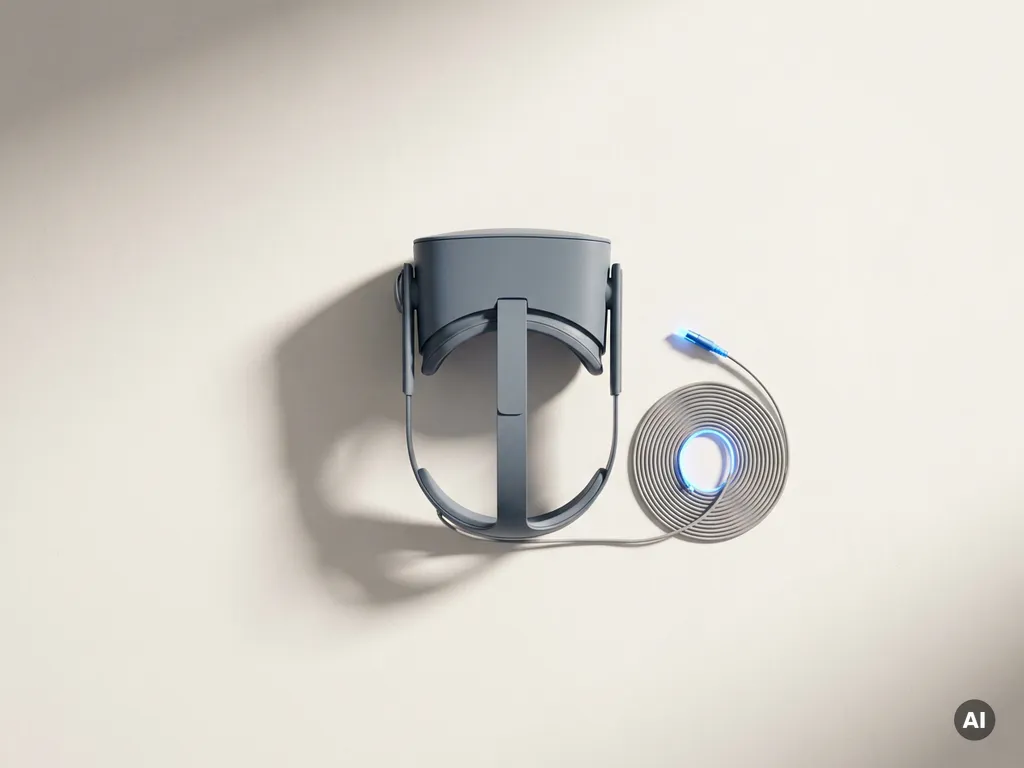
Technical delays during live audience interaction are avoided through a combination of rigorous pre-event testing, local hardware deployment, redundant system architecture, and a clearly defined technical response plan. The most reliable immersive experiences are built with failure scenarios in mind from day one, not patched together after problems emerge. The sections below address the most common questions around keeping interactive installations running smoothly, from load management and AI-assisted optimization to real-time troubleshooting protocols.
What causes technical delays during live audience interaction?
Technical delays during audience interaction are most commonly caused by hardware bottlenecks, network instability, software conflicts, and inadequate load planning. When an interactive installation is not stress-tested against real-world audience volumes, even well-built systems can stall the moment a crowd arrives and begins engaging simultaneously. Understanding the root causes is the first step toward eliminating them.
In immersive experience environments, the most frequent culprits include rendering engines that cannot sustain frame rates under concurrent user load, tracking systems that lose accuracy in crowded physical spaces, and content pipelines that were designed for a single user rather than a group. Wireless interference is another underestimated factor: dozens of devices competing for bandwidth in the same room can introduce latency that breaks the sense of presence an experience depends on.
Software dependencies also introduce fragility. When an interactive experience relies on real-time API calls, cloud-based assets, or third-party integrations, any disruption in those external services cascades directly into the audience’s experience. The more external dependencies a system carries, the more points of failure it introduces. Reducing those dependencies, or building intelligent fallback behavior into each one, is foundational to XR experience performance at scale.
How does real-time load affect immersive experience performance?
Real-time load degrades immersive experience performance by increasing rendering latency, reducing frame rates, and overwhelming input processing systems. Every additional user interacting with an installation adds computational demand. When that demand exceeds the system’s capacity, the result is visible stuttering, delayed responses to touch or gesture inputs, and in severe cases, full system crashes during a live event.
The challenge is that load rarely scales linearly. A system handling ten simultaneous users may perform flawlessly, but adding twenty more can trigger a disproportionate performance drop because shared resources, memory allocation, and network throughput all interact in complex ways. This is particularly acute in spatial computing environments where real-time physics, volumetric rendering, and spatial audio are running concurrently.
Designing for peak load rather than average load is a core principle for interactive installation uptime. This means benchmarking the system at maximum expected audience capacity, then adding a meaningful buffer on top of that. Thermal management matters too: hardware that runs at sustained high load in a warm event environment will throttle performance to protect itself, a factor that is easy to overlook during a climate-controlled studio test but becomes obvious on a busy event floor.
What technical safeguards prevent downtime during live events?
The most effective technical safeguards for live event technology reliability are redundant hardware, automated failover systems, isolated network environments, and real-time monitoring dashboards. No single safeguard is sufficient on its own. Robust live event installations layer multiple protective measures so that when one component fails, the experience continues without the audience noticing.
Redundant hardware and failover systems
Running a hot standby, a second system that mirrors the primary and can take over instantly, is the most direct way to prevent downtime. For high-stakes events, this means duplicate rendering machines, backup media servers, and spare tracking hardware staged and ready. Automated failover removes the human delay from the equation: the system switches without waiting for a technician to notice the problem and intervene.
Isolated network environments
Deploying a dedicated local network, completely separate from venue Wi-Fi or public internet, eliminates the single largest source of unpredictable latency in interactive installations. A dedicated router with bandwidth allocation assigned per device ensures that audience smartphones, staff tablets, and the core installation hardware are never competing for the same connection. This is a non-negotiable safeguard for any experience where audience interaction relies on real-time data exchange.
How do you test an immersive installation before the audience arrives?
An immersive installation should be tested through staged load simulations, full end-to-end rehearsals, and environment-specific stress tests conducted in the actual venue before any audience arrives. Testing in a studio environment is necessary but not sufficient. The physical space, ambient temperature, lighting conditions, and wireless spectrum of the real venue all affect performance in ways that cannot be fully replicated elsewhere.
Effective pre-event testing follows a structured sequence. Begin with unit testing of individual components, then integrate them and test the full system, and finally simulate audience load at progressively increasing volumes. A common mistake is testing only at low load and assuming the system will scale. Running a simulated peak-load scenario, with team members operating multiple devices simultaneously, reveals bottlenecks that would otherwise only surface when the audience is already in the room.
Walk-through rehearsals serve a different but equally important function. They expose usability friction, interaction flows that confuse participants, and edge cases in audience behavior that pure technical testing misses. The goal is to arrive at the event having already experienced every failure mode in a controlled setting, so the response is practiced rather than improvised.
Should interactive experiences run on local hardware or cloud streaming?
Interactive experiences that require low latency and consistent performance should run on local hardware. Cloud streaming is appropriate for content delivery and asset updates, but for real-time audience interaction, local processing is significantly more reliable. The round-trip latency introduced by cloud rendering, even on fast connections, is enough to break the responsiveness that immersive experiences depend on.
Local hardware gives the production team direct control over the entire performance stack. There are no external service outages to contend with, no bandwidth fluctuations from venue internet, and no dependency on a cloud provider’s uptime during the event window. For experiences involving spatial tracking, haptic feedback, or real-time generative content, local processing is not just preferable, it is practically essential.
That said, a hybrid architecture often delivers the best of both approaches. Local hardware handles all real-time interaction and rendering, while cloud infrastructure manages content distribution, remote monitoring, and post-event data processing. This structure keeps the audience-facing experience stable while still benefiting from cloud scalability for everything that does not need to happen in the moment. Our immersive project work consistently reflects this hybrid approach, keeping real-time performance local while using cloud tools for broader content management.
How can AI help reduce technical friction in interactive experiences?
AI reduces technical friction in interactive experiences by dynamically adjusting system resources, predicting performance bottlenecks before they occur, and personalizing content delivery based on real-time audience behavior. Rather than waiting for a problem to become visible, AI-driven systems can detect early warning signals and respond automatically, often before any audience member is affected.
In practice, this means AI can throttle rendering quality intelligently when load increases, prioritizing frame rate and responsiveness over visual fidelity in a way that is barely perceptible to the audience but prevents a system crash. It can also route audience interactions to the least-loaded processing node in a distributed system, balancing demand across available hardware without manual intervention.
Beyond performance management, AI adds value through personalization. An AI-driven interactive installation can adapt the pace, language, or complexity of an experience based on how individual participants are engaging. This reduces the technical friction that comes from mismatched content: an experience that moves too fast loses participants who disengage, while one that moves too slowly creates idle time that tempts audiences to reach for their phones. AI keeps the experience calibrated to the actual audience in the room, which is both a technical and an engagement benefit.
What should a technical response plan include for live immersive events?
A technical response plan for live immersive events should include clearly defined roles, escalation protocols, pre-staged spare equipment, documented fallback procedures for every major system component, and communication channels that keep the production team coordinated without disrupting the audience experience. Having a plan is not enough: every team member must know it and have rehearsed it before the event begins.
The plan should assign specific individuals to specific systems. One technician owns the rendering pipeline, another owns the network, another owns the tracking hardware. When something fails, there is no ambiguity about who responds. Escalation thresholds should be defined in advance: at what point does a technician attempt a local fix, and at what point does the experience pause for a controlled reset? These decisions should never be made in the moment under audience pressure.
Fallback procedures are the most underinvested element of most technical response plans. For every critical system, the plan should document what happens if that system fails completely. Can the experience continue in a degraded but functional mode? Is there a pre-rendered version that can substitute for a real-time interactive element? The goal is to ensure that no single point of failure results in a complete stop. Immersive technology troubleshooting is far more effective when the team is executing a practiced plan rather than diagnosing a novel problem under pressure in front of a live audience.
Building experiences that perform flawlessly under real-world conditions is at the heart of what we do at Rooftop Immersive. From architecture decisions made in early concept stages to on-site technical rehearsals, every layer of our process is designed to protect the audience experience. If you are planning an interactive installation or live immersive event and want a partner who treats technical reliability as a creative responsibility, we would welcome the conversation. Contact us to discuss how we can help you build something that works as powerfully in practice as it does on paper.
Gerelateerde artikelen
- What are examples of interactive activities?
- What makes immersive experiences memorable?
- What kind of technology is used in museums?
- What are the pros and cons of experiential marketing?
- Can AI make AR?
- What are the types of learning experiences?
- What is the difference between interactive and immersive theatre?
- Can ChatGPT do 3D modeling?
- What content works best for dome installations?