
Projection mapping does not always require custom animation. Many setups work effectively with existing video content, adapted footage, or even live feeds, as long as the visuals are matched to the surface geometry. Whether custom animation is necessary depends on the complexity of the surface, the goals of the experience, and the level of visual precision required.
For simple flat surfaces or straightforward brand activations, adapted or stock content can deliver strong results. For architecturally complex surfaces or deeply narrative experiences, custom-built animation becomes the smarter investment. The sections below break down exactly when each approach applies and how to make the right call for your project.
What types of content can be used in projection mapping?
Projection mapping can use a wide range of content types, including custom 3D animation, pre-recorded video footage, live video feeds, generative visuals, stock motion graphics, and even still images with motion effects. The key requirement is not the content type itself, but how well that content is prepared and aligned to the projection surface.
In practice, this means any visual that can be output as a video signal can technically be used in a projection mapping setup. The distinction lies in how that content is treated before and during projection. Content needs to be mapped, warped, and blended to fit the physical geometry of the surface it is being projected onto. A standard video file can be adapted for this purpose, just as a bespoke animation can be built specifically around it.
Common content types used in projection mapping include:
- Custom 3D animation – built frame by frame to follow the exact contours and features of the target surface
- Adapted video footage – existing film or brand content that has been reworked to fit the surface dimensions and mapping zones
- Generative and real-time visuals – created by software that produces visuals dynamically, often reacting to sound, movement, or data
- Live video feeds – camera input projected in real time, useful for interactive installations or live event contexts
- Stock motion graphics – pre-made looping visuals that can be applied quickly and cost-effectively to simpler surfaces
The content type you choose shapes the entire character of the experience. Custom animation offers the tightest integration with the surface, while adapted or generative content can offer flexibility and speed. Understanding which type fits your surface and your goals is the first step in planning any projection mapping project.
When does projection mapping actually require custom animation?
Projection mapping requires custom animation when the surface is architecturally complex, when the visual storytelling needs to interact precisely with physical features, or when the experience demands a level of depth and coherence that adapted content cannot achieve. For irregular shapes, curved facades, or multi-surface installations, custom animation is not optional: it is essential.
There are specific scenarios where investing in custom projection mapping animation becomes necessary rather than optional:
- Complex 3D surfaces – buildings with recessed windows, columns, arches, or layered facades require animation that is built specifically around those features, so that light and movement appear to emerge from the architecture itself rather than simply being projected onto it
- Narrative-driven experiences – when the projection is meant to tell a story that unfolds across the surface, generic visuals break the illusion; the animation must be authored to guide the viewer’s eye deliberately
- Branded activations with precise identity requirements – when a brand’s visual language, typography, and motion style need to feel native to the surface, custom work is the only reliable route
- Multi-surface or multi-projector setups – when content must flow seamlessly across separate physical planes, the animation has to be designed with those transitions built in from the start
- Interactive or responsive installations – when the visuals need to react to audience input, sensor data, or live triggers, custom-built content is required to make those interactions feel intentional
For simpler surfaces, a flat white wall, a standard stage backdrop, or a basic geometric shape, adapted content or well-chosen stock visuals can perform very well. The decision point is always whether the surface and the story demand a visual language that only exists if someone builds it from scratch.
What’s the difference between custom animation and adapted content?
Custom animation is built from the ground up to match a specific surface, story, and technical setup. Adapted content is existing footage or graphics that have been reworked, cropped, warped, recolored, or reformatted, to fit the requirements of a projection mapping setup. The core difference is authorship: one is created for the surface, the other is modified to work with it.
Both approaches have legitimate roles in projection mapping, and understanding the distinction helps you allocate budget and creative effort more effectively.
Custom animation: built for the surface
Custom projection mapping animation starts with a precise 3D scan or technical drawing of the surface. The animator builds every element, light, shadow, texture, movement, in relation to the actual geometry. This means that when the content is projected, architectural features appear to breathe, crack, flood, or transform in ways that feel physically real. The visual and the surface become one coherent object. This level of integration is only possible when the animation is authored with that specific surface in mind from the very first frame.
Adapted content: modified to fit
Adapted content begins with something that already exists, a brand film, a product video, a library of motion graphics, and reshapes it to fit the projection surface. This might mean remapping aspect ratios, splitting the content across multiple projection zones, or adjusting color grading to compensate for the surface material. Adapted content is faster and less expensive to produce, and for straightforward surfaces it can look excellent. The limitation is that it was never designed to interact with the surface’s physical features, so the depth of integration is inherently lower.
Choosing between the two is a practical question: how much does the surface’s geometry matter to the story you want to tell? If the architecture is the canvas and the story lives inside it, custom animation is the right call. If the surface is simply a large display medium, adapted content may be entirely sufficient.
How does the surface shape affect animation requirements?
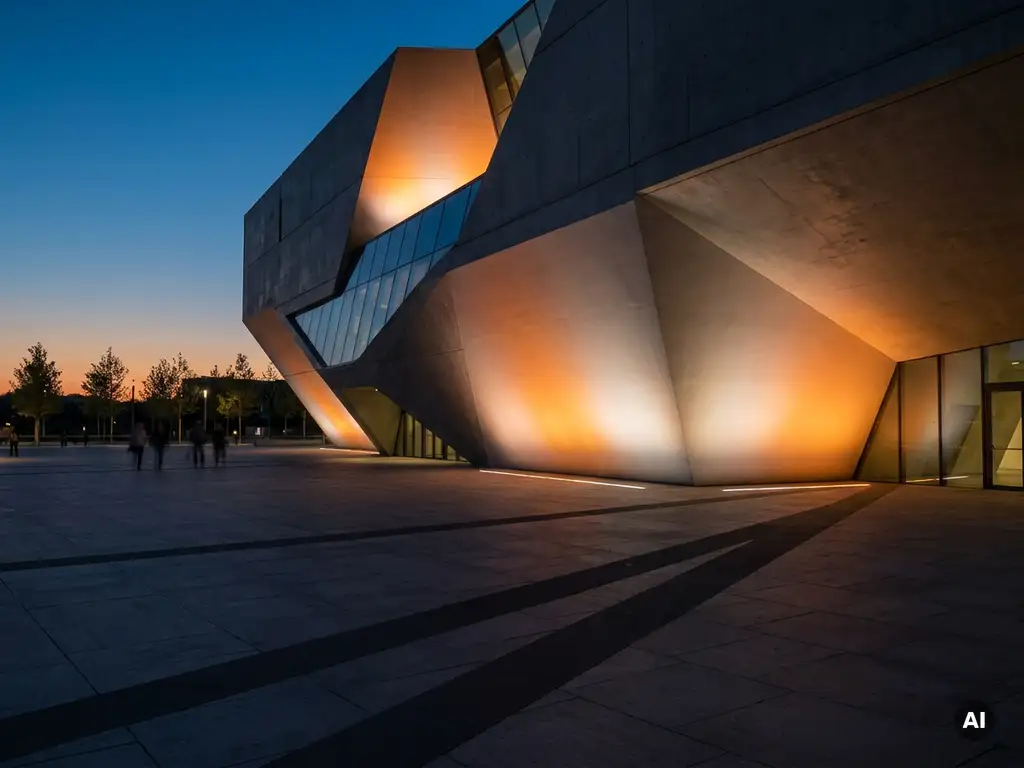
The shape of the projection surface is one of the most significant factors determining what kind of animation a projection mapping setup requires. Flat, regular surfaces are far more forgiving of adapted or stock content. Irregular, curved, or architecturally detailed surfaces demand animation that is designed around their specific geometry from the outset.
Every surface introduces its own set of mapping challenges. A flat wall requires minimal warping and can accommodate almost any rectangular video content with basic adjustment. A curved dome introduces spherical distortion that must be compensated for in both the animation and the projection setup. A building facade with windows, ledges, cornices, and varying depths requires the animation to account for each of those physical interruptions; otherwise, the projected image simply breaks across them rather than flowing through them.
Surface material also plays a role. Rough stone, glass, metal, and painted concrete all reflect light differently, which affects color saturation, contrast, and the perceived sharpness of the animation. Custom animation can be built to compensate for these material properties; stock or adapted content generally cannot.
As a practical guide:
- Flat, regular surfaces – adapted or stock content works well with standard mapping software
- Curved surfaces (cylinders, domes, spheres) – content needs to be pre-distorted or built in a spherical coordinate system
- Architectural facades with depth and detail – custom animation is strongly recommended to use the physical features as storytelling elements
- Sculptural or freeform objects – custom animation is almost always required, often preceded by detailed 3D scanning
The more complex the surface, the more the animation has to be a direct response to it rather than a generic visual applied over it.
What software is used to create projection mapping animations?
Projection mapping animations are created using a combination of 3D animation software, motion graphics tools, and dedicated projection mapping platforms. The most widely used tools include Unreal Engine, Cinema 4D, After Effects, and Blender for content creation, alongside specialist mapping software such as Disguise, Resolume, and TouchDesigner for projection control and real-time output.
The production pipeline typically involves two distinct phases: content creation and projection management.
Content creation tools
For building the animation itself, industry professionals most commonly work with Unreal Engine for real-time 3D rendering, Cinema 4D for motion graphics and 3D modeling, Blender as a powerful open-source alternative, and Adobe After Effects for compositing and 2D motion work. These tools allow animators to model the surface geometry virtually, build and test the animation in a simulated environment, and export it in formats optimized for projection.
Projection mapping and playback platforms
Disguise is the industry standard for large-scale live events and permanent installations, offering precise multi-projector management and real-time content control. Resolume Avenue is widely used for club visuals, festivals, and mid-scale architectural mapping. TouchDesigner is the tool of choice for generative and interactive installations, allowing content to respond dynamically to sensors, audio, or data inputs. MadMapper is popular for smaller-scale projects and is known for its accessible interface.
The choice of software depends on the scale of the installation, the complexity of the surface, the need for interactivity, and the production team’s expertise. We work across several of these platforms depending on what each project demands, always selecting the toolset that serves the experience rather than defaulting to a single workflow.
Should you use stock visuals or invest in custom animation?
Stock visuals are the right choice when the surface is simple, the timeline is short, and the goal is atmospheric rather than narrative. Custom animation is the right investment when the surface is architecturally complex, the experience needs to tell a specific story, or the brand demands a level of visual precision that generic content cannot deliver. The decision is ultimately about how much the surface and the story need to speak to each other.
There is no universal answer, but there are clear indicators that point toward one approach or the other.
Stock or adapted visuals make sense when:
- The surface is flat or geometrically simple
- The projection is ambient or decorative rather than narrative
- The timeline or budget does not allow for a full custom production cycle
- The content needs to be reused across multiple different venues or surfaces
Custom animation is worth the investment when:
- The surface has distinctive architectural features that could become part of the story
- The experience needs to feel unique, branded, or emotionally specific
- The projection is the centerpiece of an event or installation rather than a supporting element
- The audience is expected to be deeply engaged rather than passively entertained
One factor that often tips the decision is longevity. A custom animation built for a specific surface can be refined, extended, and reused for that installation over time. Stock visuals may feel generic after repeated exposure, particularly for audiences who attend recurring events at the same venue.
The strongest projection mapping experiences we create at Rooftop Immersive tend to be those where the animation and the surface were conceived together, where the physical world and the digital content reinforce each other so completely that the boundary between them disappears. That level of integration requires custom work, but it also produces the kind of experience that people remember and talk about long after the projectors are switched off.
If you are planning a projection mapping project and want to explore what approach makes the most sense for your surface, your story, and your audience, we are happy to think it through with you. Contact us and let’s start the conversation.
Gerelateerde artikelen
- How can engagement with a visitor show be measured?
- Is XR training expensive?
- How much does it cost to build an interactive museum?
- How much do brand activations cost?
- Does AR VR require coding?
- What are two examples of experiential marketing?
- What is immersive experience design?
- What are the ROI benefits of experiential marketing campaigns?
- What technology is used in immersive installations?