
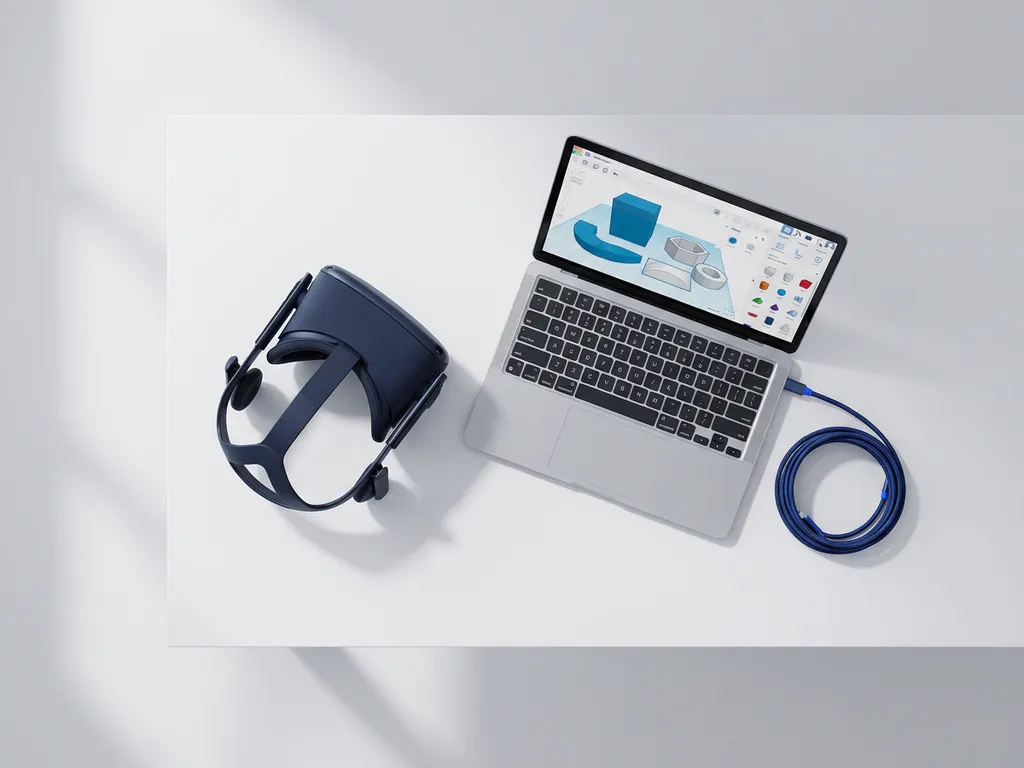
VR content production relies on a combination of real-time 3D engines, 360° video tools, spatial audio software, and authoring platforms. The exact software stack depends on the type of VR experience being built: interactive simulations, cinematic 360° films, and location-based installations each draw on different tools. This article walks through the key categories of VR production software and the questions practitioners most commonly ask when choosing between them.
What are the main categories of VR production software?
VR production software falls into five main categories: real-time 3D engines, 360° video production tools, no-code authoring platforms, 3D modelling and asset creation software, and spatial audio tools. Most professional VR projects combine tools from several of these categories rather than relying on a single application.
Understanding these categories helps production teams make informed decisions early, because the choice of engine or authoring tool shapes everything downstream, from asset formats to deployment targets. A cinematic VR film for a museum exhibition, for example, will use a very different stack than an interactive training simulation for a corporate client.
- Real-time 3D engines (Unity, Unreal Engine): the core rendering and interaction layer for interactive VR
- 360° video tools (DaVinci Resolve, Adobe Premiere Pro, Mistika VR): for capturing and stitching spherical video
- No-code authoring platforms (Wonda VR, Pano2VR, Ceros): for building VR experiences without programming
- 3D modelling software (Blender, Maya, Cinema 4D): for creating and optimising assets used inside VR environments
- Spatial audio tools (Resonance Audio, Steam Audio, Dolby Atmos): for building three-dimensional soundscapes that respond to head movement
Many studios also layer in photogrammetry software, AI-assisted content tools, and custom deployment platforms depending on the scale and complexity of the project.
What is the difference between Unity and Unreal Engine for VR?
Unity and Unreal Engine are both industry-standard real-time 3D engines used for VR development, but they differ in visual fidelity, workflow, and typical use cases. Unreal Engine is generally favoured for photorealistic, cinematic VR experiences, while Unity is preferred for cross-platform flexibility, faster iteration, and projects with lighter hardware requirements.
Unreal Engine for VR
Unreal Engine, developed by Epic Games, is built around its Lumen global illumination system and Nanite geometry technology, which together produce strikingly realistic lighting and surface detail. This makes it the go-to choice for architectural visualisations, high-end brand experiences, and immersive storytelling where visual quality is paramount. The Blueprints visual scripting system allows designers to build logic without deep C++ knowledge, though complex projects still benefit from engineering support. We use Unreal Engine for our most visually demanding VR productions, particularly where the environment itself needs to feel indistinguishable from reality.
Unity for VR
Unity has a larger community, a broader asset marketplace, and a more flexible licensing model that suits teams building across multiple platforms simultaneously. It compiles to a wider range of headsets and mobile devices with less friction, which matters when a project needs to run on Meta Quest, HTC Vive, and PC VR simultaneously. Unity’s XR Interaction Toolkit provides a solid foundation for building interactive mechanics, and its integration with AR frameworks makes it a natural choice for mixed reality projects that span both VR and AR. For educational and training applications where broad device compatibility matters more than peak visual quality, Unity tends to be the more practical choice.
What software is used to produce 360° VR video?
360° VR video production uses a pipeline of specialised tools: camera rigs with multiple lenses capture the footage, stitching software like Mistika VR or Autopano Video assembles the feeds into a seamless spherical image, and editing platforms like DaVinci Resolve or Adobe Premiere Pro handle colour grading, sound design, and final output.
The stitching stage is where most technical complexity sits. Software must align footage from multiple camera sensors, correct for parallax errors at the stitch lines, and produce an equirectangular or stereoscopic output that VR headsets can display correctly. Mistika VR is widely used in professional productions for its precise control over stitch lines and stereoscopic depth. For simpler projects, GoPro Fusion Studio or Insta360’s native software handles basic stitching automatically.
Post-production for 360° video also requires specialised monitoring. Editors typically use headsets or 360° preview plugins within their editing software to review spatial composition, since a standard flat monitor cannot accurately represent how the viewer will experience the space. Spatial audio is then mixed separately and embedded in the final file, usually as ambisonic audio that responds to head rotation in the headset.
Which VR authoring tools don’t require coding?
Several VR authoring platforms allow teams to build interactive VR experiences without writing code. Wonda VR, Pano2VR, and Ceros are among the most widely used, offering drag-and-drop interfaces for adding hotspots, branching narratives, quizzes, and media layers to 360° video or image-based environments.
These tools are particularly valuable for educational institutions, NGOs, and organisations that need to produce VR content without a dedicated development team. Wonda VR, for instance, lets producers import 360° footage and layer interactive elements directly onto the spherical canvas, then publish to headsets, browsers, or LMS platforms without any programming. Pano2VR is popular for virtual tours and museum applications because of its strong hotspot and floor plan navigation features.
The trade-off with no-code tools is customisation depth. They work well for linear or branching narrative experiences, guided tours, and training modules with defined interaction patterns. When a project requires physics-based interaction, real-time multiplayer, or AI-driven adaptive content, a full game engine becomes necessary. No-code tools are best understood as the right solution for a specific tier of VR production, not a universal shortcut.
What tools are used for 3D modelling in VR production?
The most commonly used 3D modelling tools in VR production are Blender, Autodesk Maya, Cinema 4D, and 3ds Max. Blender is open-source and increasingly dominant across independent studios and mid-sized teams, while Maya and 3ds Max remain standard in larger production pipelines, particularly those with animation or film components.
VR-specific modelling requires careful attention to polygon count and texture optimisation. Real-time rendering in a headset runs at 90 frames per second or higher to prevent motion sickness, which means assets must be significantly lighter than those used in pre-rendered film. This process, called LOD (Level of Detail) optimisation, involves creating simplified versions of models that swap in at a distance, reducing GPU load without visible quality loss.
Photogrammetry software such as Reality Capture or Metashape adds another dimension to VR asset creation. These tools reconstruct physical objects and spaces as detailed 3D meshes from photographic scans, enabling production teams to bring real-world artefacts, architectural spaces, or products into VR with high accuracy. This is particularly relevant for museum and heritage applications where authentic representation of physical objects matters.
How does spatial audio software fit into VR production?
Spatial audio software creates three-dimensional soundscapes that shift and respond as the user moves their head inside a VR environment. Without it, audio feels flat and disconnected from the visual space, which breaks immersion. Key tools include Google Resonance Audio, Valve’s Steam Audio, and Dolby Atmos for VR, all of which simulate how sound reflects, absorbs, and travels through virtual spaces.
Spatial audio works by encoding sound using ambisonic formats, typically first-order or higher-order ambisonics, which capture the directional properties of sound in a full sphere around the listener. When played back through a VR headset, the audio engine uses head-tracking data to rotate and position the soundscape in real time, so a sound source stays anchored to its location in the virtual world regardless of where the user is looking.
In immersive experience design, spatial audio is one of the most powerful and underinvested tools available. Research into multisensory experience consistently shows that sound contributes as much as vision to the sense of presence in a virtual environment. A well-designed spatial audio layer can make a modest visual environment feel genuinely inhabited, while poor audio undermines even the most visually impressive production.
What software supports multi-user or location-based VR experiences?
Multi-user and location-based VR experiences require networking middleware and synchronisation platforms layered on top of a base engine. Normcore, Photon, and Mirror are widely used Unity networking frameworks that handle real-time state synchronisation between headsets. For Unreal Engine, the built-in multiplayer framework and third-party solutions like PlayFab support similar functionality at scale.
Location-based VR, where groups of visitors share a physical space while experiencing a synchronised virtual world, adds further complexity. Arena-scale tracking systems from companies like Vicon or OptiTrack map the physical floor plan into the virtual environment, allowing users to walk freely without collisions. These setups also require a local server to manage headset synchronisation with minimal latency, since even small timing differences between headsets break the shared experience.
Content management platforms such as Springboard VR or ArborXR handle the deployment and monitoring side, allowing operators to push content to fleets of headsets, track session data, and manage updates remotely. For large-scale events or permanent installations, this operational layer is just as important as the creative software stack.
Should you build VR in-house or work with a specialist studio?
Building VR in-house makes sense when an organisation has sustained, ongoing production needs, a dedicated technical team, and the budget to maintain both hardware and software licences over time. For most organisations, working with a specialist studio is more cost-effective and delivers higher quality, particularly for first projects or high-stakes productions where the risk of technical failure is significant.
The in-house route requires expertise across multiple disciplines simultaneously: 3D modelling, real-time development, spatial audio design, UX for VR, and hardware management. Assembling and retaining that team is a substantial commitment. It makes most sense for large educational institutions or media companies with a continuous pipeline of VR content to justify the overhead.
For brands, NGOs, museums, and event producers who need a specific experience built to a professional standard, partnering with a studio that holds all of these capabilities under one roof removes the coordination burden and compresses timelines significantly. The value is not just technical execution but the creative and strategic input that shapes whether the experience achieves its intended impact, whether that is deepening empathy, driving behaviour change, or creating a moment that audiences remember long after they remove the headset.
If you are weighing up the right approach for your next VR project, we are happy to help you think through the options. Contact us to start the conversation.
Gerelateerde artikelen
- What are some examples of projection mapping?
- How to make an interactive exhibit?
- What does an experiential marketing agency do?
- What are the key components of a VR system?
- What is an example of a brand activation?
- What is an example of multi sensory learning?
- What makes something an immersive experience?
- What is an immersive installation?
- How do you distribute 360-degree content?