
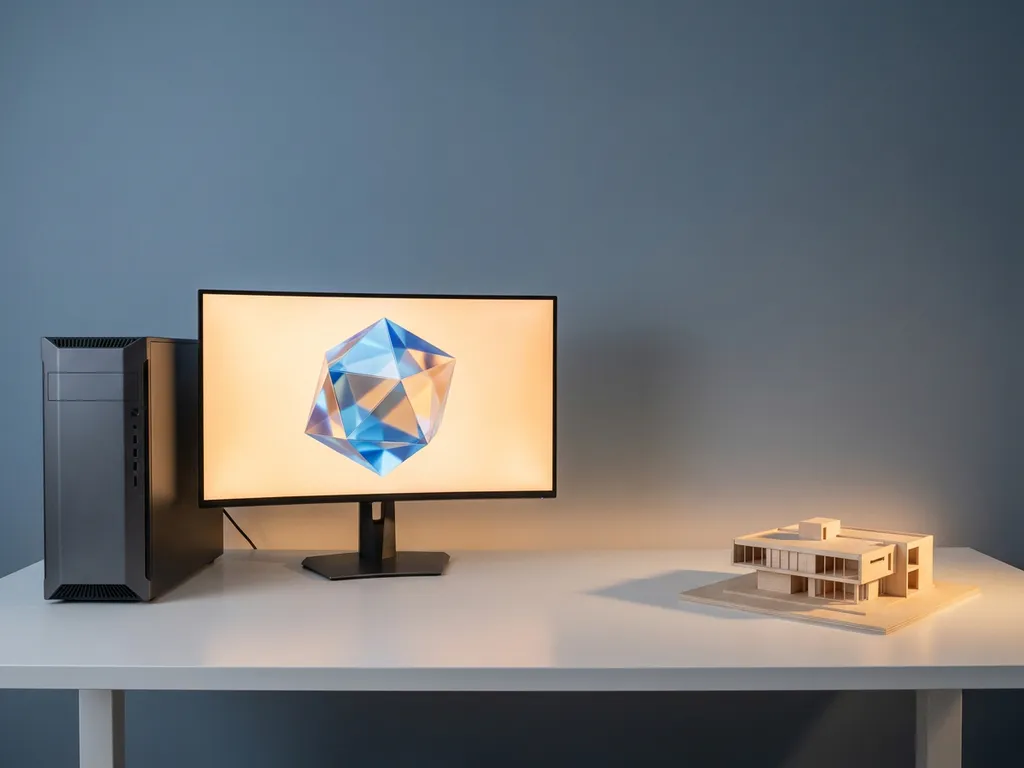
3D modeling demands a machine with enough processing power, memory, and graphics capability to handle complex geometry, real-time rendering, and simulation without grinding to a halt. For most professional workflows, you need at least 32GB of RAM, a dedicated GPU with 8GB or more of VRAM, and a multi-core CPU running at high clock speeds. The exact specifications depend on the software you use and the complexity of your projects; the sections below break down every hardware decision you need to make.
How much RAM do you need for 3D modeling?
For 3D modeling, 32GB of RAM is the practical minimum for professional work, while 64GB or more is recommended for complex scenes, high-resolution textures, and simulation-heavy workflows. Hobbyists and students working on simpler models can start with 16GB, but they will hit limitations quickly as scene complexity grows.
RAM acts as the working memory for your 3D application. Every polygon, texture map, light calculation, and simulation data point lives in RAM while you work. When you run out of available memory, your system begins using storage as a substitute, a process called paging or swapping, which causes severe slowdowns and instability.
The type of work you do determines how aggressively RAM affects your experience. Architectural visualization with dense scene files and 4K texture libraries pushes memory demand far higher than character modeling for games. Simulation tasks, cloth, fluid, particle systems, are especially memory-hungry because the software needs to hold multiple frames of simulation data simultaneously.
- 16GB: Suitable for learning, simple models, and entry-level game asset creation
- 32GB: The professional baseline for product design, architectural work, and mid-complexity animation
- 64GB: Recommended for VFX, high-polygon sculpting, large scene assemblies, and simulation
- 128GB+: Reserved for studio-level production, rendering farms, and extremely dense environment builds
RAM speed matters too, though less dramatically than capacity. Faster memory with lower latency improves viewport performance and scene loading times, but doubling your RAM capacity will almost always deliver more benefit than upgrading to faster sticks at the same capacity.
What GPU specs matter most for 3D modeling?
The two GPU specifications that matter most for 3D modeling are VRAM capacity and memory bandwidth. VRAM holds your textures, scene geometry, and render buffers during viewport display and GPU rendering; running out causes crashes and severe performance drops. A GPU with at least 8GB of VRAM is the entry point for professional work, with 16GB or more preferred for complex scenes.
Beyond VRAM, the GPU’s shader core count and architecture determine how fast it can process real-time viewport rendering and GPU-accelerated final renders. NVIDIA’s RTX series cards are widely favored in 3D workflows because they include dedicated RT cores for ray tracing and Tensor cores that accelerate AI-driven denoising in render engines like Cycles, V-Ray, and Arnold.
VRAM: the practical bottleneck
When your scene’s textures and geometry exceed the GPU’s available VRAM, the system either crashes or falls back to CPU rendering; neither is acceptable mid-project. High-resolution texture sets for a single product visualization can consume several gigabytes alone. If you work with 4K or 8K texture maps, 16GB of VRAM is a practical floor rather than a luxury.
GPU rendering vs. viewport performance
These are two distinct demands on your graphics card. Viewport performance, the smooth manipulation of your 3D scene in real time, benefits from high clock speeds and strong rasterization performance. GPU rendering, where the graphics card calculates the final image, benefits from raw core count and VRAM. A card that excels at one will generally perform well at both, but GPU rendering is far more sensitive to VRAM limits.
Professional-grade cards from NVIDIA’s RTX 4000 and 5000 series and AMD’s RX 7000 series cover both demands well in 2026. Workstation-class cards like the NVIDIA RTX 6000 Ada offer ECC memory and larger VRAM pools, making them the choice for studios handling extremely large scenes.
Does CPU or GPU matter more for 3D modeling?
For most 3D modeling workflows, the CPU matters more during the modeling and simulation phase, while the GPU matters more during rendering. The two components serve different roles, and which one limits your productivity depends on where you spend most of your time in a project.
Modeling, rigging, and scene assembly are primarily CPU-driven tasks. When you move vertices, apply modifiers, or run a physics simulation, the processor handles the calculations. A high-clock-speed CPU with strong single-threaded performance makes the viewport feel responsive and reduces the lag when applying complex modifiers.
Rendering flips the equation. GPU rendering engines, Cycles in Blender, V-Ray GPU, Redshift, offload final image calculation to the graphics card, where thousands of parallel shader cores can process ray-tracing calculations simultaneously. A powerful GPU can reduce render times from hours to minutes compared to CPU rendering alone.
The practical answer for most 3D artists is to invest in both, but prioritize based on workflow. Animators and simulation artists who spend most of their time in the viewport benefit most from a fast CPU. Visualization artists and archviz professionals who render constantly will see the biggest return from GPU investment. If you must choose one area to prioritize, a strong GPU tends to have the broader impact for professional output quality.
What’s the difference between a laptop and a desktop for 3D modeling?
A desktop delivers significantly more performance per dollar for 3D modeling, while a laptop offers portability at the cost of thermal headroom, sustained performance, and upgradeability. For studio-based or home-based work, a desktop is almost always the better investment. For professionals who travel, present on location, or work across multiple sites, a high-end mobile workstation is a viable alternative.
The core limitation of laptops for 3D work is thermal management. Sustained GPU and CPU loads generate heat that a thin chassis cannot dissipate as effectively as a tower with active cooling. Most laptops throttle their processors under prolonged heavy load, meaning the peak performance shown in benchmarks rarely holds during a long render or simulation session.
Desktop advantages for 3D modeling include better cooling, the ability to run full-power desktop GPUs rather than mobile variants, easier RAM and storage upgrades, and support for multiple high-resolution monitors. A desktop workstation at a given price point will consistently outperform a laptop at the same price.
That said, mobile workstations from ASUS ProArt, Dell Precision, and Apple’s MacBook Pro line have narrowed the gap considerably in 2026. Apple Silicon in particular delivers exceptional performance per watt, and the MacBook Pro with M4 Pro or M4 Max chips handles mid-to-heavy 3D workloads with impressive efficiency. The trade-off remains the same: you pay a premium for portability, and upgrading components is either difficult or impossible.
What storage type and capacity does 3D modeling require?
3D modeling requires an NVMe SSD as your primary drive, not a SATA SSD and certainly not a spinning hard drive. The speed at which your system loads scene files, streams textures, and writes render outputs directly affects your workflow. A slow drive creates bottlenecks even when your CPU and GPU are powerful. For capacity, 1TB is a working minimum, with 2TB or more recommended for active project storage.
NVMe drives connected via PCIe 4.0 or 5.0 deliver sequential read and write speeds several times faster than SATA SSDs. When you open a complex scene file containing high-resolution textures, every asset must load from storage into RAM. On a fast NVMe drive, this takes seconds; on an older SATA drive or hard disk, it can take minutes and interrupt your creative flow.
A practical storage setup for a 3D modeling workstation uses two drives: a fast NVMe SSD for the operating system, active projects, and application installs, and a larger secondary drive, either a second SSD or a high-capacity HDD, for archiving completed projects and storing asset libraries. Render farms and studios often add network-attached storage for shared project access across multiple machines.
Texture libraries deserve special attention. A single professional-grade material library can occupy dozens of gigabytes. If you work with photogrammetry assets, HDR environments, or high-resolution scanned surfaces, storage capacity fills up faster than most beginners anticipate. Plan for growth from the start rather than scrambling for space mid-project.
Which 3D modeling software runs on which hardware?
Different 3D modeling applications have distinct hardware requirements and platform compatibility. Blender runs on Windows, macOS, and Linux and scales well from mid-range consumer hardware to professional workstations. Autodesk Maya and 3ds Max are Windows-only, while Cinema 4D and Houdini support all three major platforms. ZBrush, the industry standard for digital sculpting, runs on Windows and macOS.
Software choice directly shapes which hardware matters most. Blender’s Cycles render engine is heavily GPU-accelerated and benefits enormously from a powerful NVIDIA or AMD graphics card. Houdini’s simulation tools are CPU-intensive and reward high core counts and large RAM pools. ZBrush is primarily CPU-driven and benefits most from high single-threaded performance and fast RAM.
Apple Silicon compatibility has expanded significantly. Blender, Cinema 4D, ZBrush, and Houdini all run natively on Apple Silicon in 2026, delivering strong performance on MacBook Pro and Mac Studio hardware. Autodesk’s suite runs via Rosetta 2 translation on Apple Silicon, which works adequately but does not reach native performance levels, a consideration if Autodesk tools are central to your workflow.
Real-time engines like Unreal Engine and Unity, increasingly used for architectural visualization and interactive 3D experiences, are GPU-heavy and demand high VRAM alongside fast NVMe storage for asset streaming. If your work bridges 3D modeling and real-time interactive content, GPU investment becomes even more critical.
Should you build or buy a PC for 3D modeling?
Building a PC for 3D modeling delivers better performance per dollar and more flexibility to match hardware to your specific workflow. Buying a pre-built workstation or laptop is the right choice when time, warranty support, or portability outweigh the cost savings of a custom build. Neither option is universally superior; the decision depends on your technical comfort, timeline, and priorities.
A custom-built desktop lets you allocate budget precisely where your workflow demands it. If you render constantly, you can invest in a top-tier GPU while choosing a capable but less expensive CPU. If you run simulations, you can prioritize RAM capacity and CPU core count. Pre-built workstations from Dell, HP, and Lenovo bundle components that are tested together and backed by enterprise warranties, which matters in professional studio environments where downtime has real cost.
The build-versus-buy calculation also changes when macOS is in the picture. Apple’s Mac Studio and Mac Pro are pre-built by definition, and Apple Silicon’s unified memory architecture means RAM and GPU memory are shared, you cannot upgrade components after purchase. Choosing the right configuration at the time of purchase is therefore critical for Apple hardware.
For first-time builders, the process is more accessible than ever in 2026. Component compatibility tools, detailed community resources, and modular case designs have reduced the technical barrier significantly. The primary risk is not incompatibility but rather the time investment and the absence of a single warranty covering all components. If your livelihood depends on the machine being operational every day, the peace of mind from a professional workstation warranty may justify the premium.
Whether you are building an immersive installation, producing real-time interactive content, or developing educational XR experiences, the right hardware foundation makes the difference between a creative process that flows and one that constantly interrupts. If your work extends beyond solo 3D modeling into full-scale immersive production, we would love to explore what is possible together; feel free to contact us to start the conversation.
Gerelateerde artikelen
- Can you give me some examples of immersive virtual reality?
- What are the advantages and disadvantages of immersive technology?
- What does immersive event mean?
- What does an experiential marketing agency do?
- Is VR an immersive experience?
- Can you make money off 3D modeling?
- What is interactive storytelling?
- How do dome installations create immersive experiences?
- How do you create compelling interactive narratives?